CADViewer
Platform Independent CAD Viewing and Collaboration with Spatial AI
CADViewer
If you need CAD viewing and API driven dynamic interaction with graphics and AI queries on any platform either on Premise or on a Cloud Installation, CADViewer is your choice! Try it out, learn more, or contact  us for a demo.
With our AI Tools, and geometical algorithms, we can facilitate queries over floorplans and Real Estate business data. See our AI Presentation Video, Property Management AI Use-Case and test the CADViewer Ai Assistant Online Demo.
CADViewer supports: AutoCAD DWG/DXF/DWF, Bentley MicroStation DGN/PCF, Adobe Acrobat PDF (optimized for vector graphics) and a large number of speciality bitmaps including TIFF, see our full Supported Formats List.
Our technology allows dynamic update of the source CAD files for efficient business processes, such as Space Management and CAD Data Extraction.
Why CADViewer?
CADViewer provides JSON interfaces, so it can seamless blend in with any legacy back-end application stack.
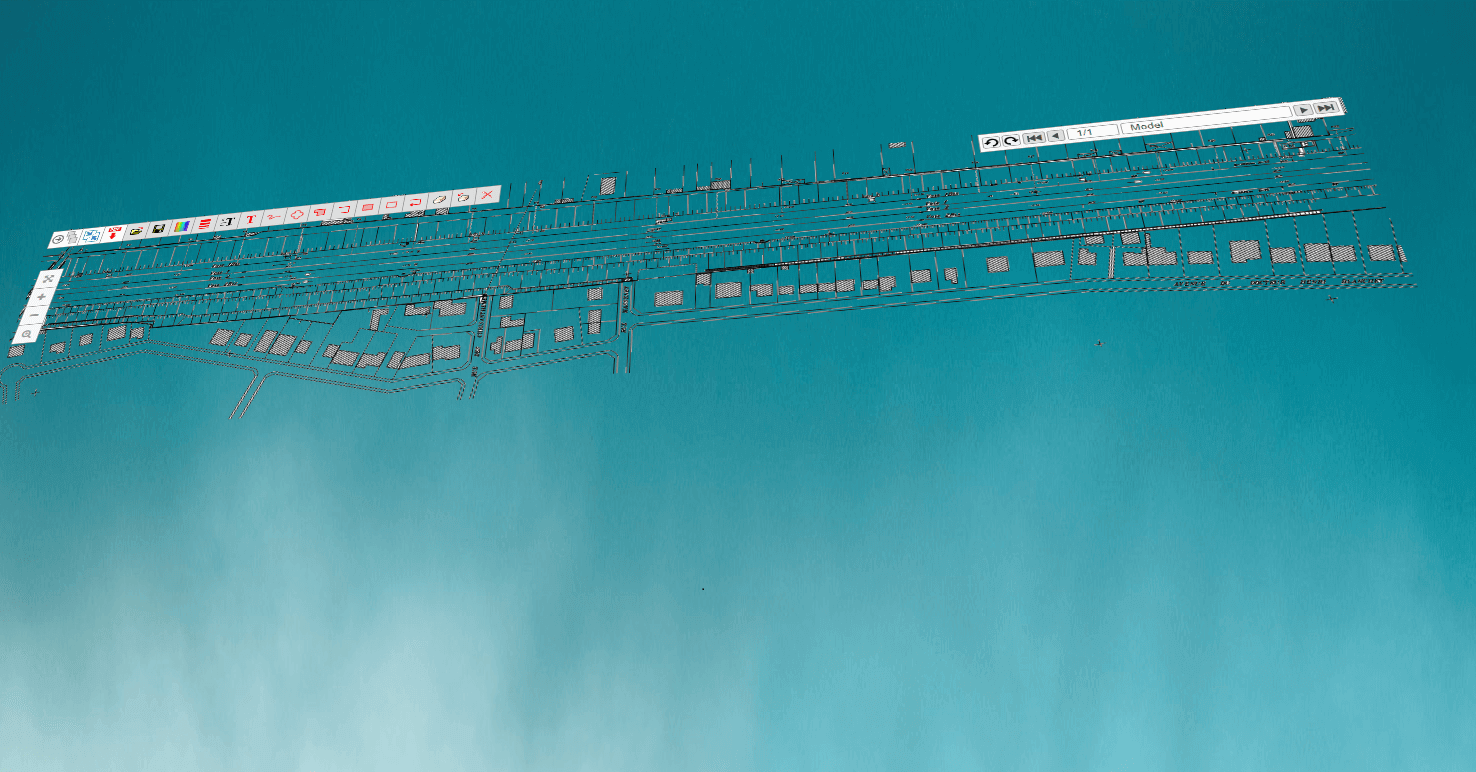
CADViewer is a vector graphics library using proven W3C browser technologies SVG and JavaScript to display and manipulate CAD Drawings. CADViewer therefore integrates with All browsers on All Platforms, including the mobile platforms Android and iOS.
CADViewer is available to Download or as a Demo to try out online. You can also use our Tech Docs to learn more about the product and how to integrate it into your applications.

Try CADViewer Live - Clone from GitHub
Each sample below runs live on its own subdomain. Test CADViewer in your framework of choice, then go to GitHub and clone the sample into your own environment.
The React, Vue and Angular samples use our NodeJS CADViewer Conversion Server, also available on GitHub.
To start your 10-day evaluation period, visit cadviewer.store/trials/ for full-feature developer licences.

ReactJS Sample 01
ReactJS Sample 02

VueJS Sample 02

Angular Sample 02

Laravel Blade Sample 01

VanillaJS Samples (Apache / PHP)

.NET Sample 01 (ASHX Handlers)

Test your drawings online
CADViewer Analytic Platform
Great Platforms Support
CADViewer has a rich API, see the CADViewer Component Architecture for integration.
CADViewer supports the front-end frameworks:
, and through  .
CADViewer supports the platforms:
, ,  , ,
 ,
 and
 .
CADViewer environments are available on
 and
 providing flexibility for integrators. Download to get an overview of our software packages.
Use our Online Guides to make your CAD drawings Interactive and then Dynamically Modify interactive objects. Learn more about our CAD Tool Suite, or watch an
 overview.
CADViewer supports Inkscape layers in Space Objects, enhancing any IWMS solution. Try out our
sample to dynamically change the state of graphical objects in a floorplan. CADViewer now integrates with
 NextCloud the worlds largest on-premise content collaboration platform, check out the Integration Docs.
CADViewer can integrate with applications using PHP, Nodejs, .NET, .NET core and Servlets , as well as Angular, React JS, Ionic, Laravel and VueJS . Cadviewer also connnects to SharePoint through PHP RestAPI. Please use our Tech Docs, to install and work with CADViewer. You can also, browse the API, download CADViewer or look at the baseline functional overview.
Extensive Format Support
Integrate CADViewer
CADViewer works with your Application
CADViewer is tailored to either be integrated in applications or used as a distributed CAD Viewer and Collaboration tool
that directly displays drawings on-the-fly on any web-browser.
Please try out a selection of our applications from our online gallery below:


Compare Drawings
Load two drawings overlaid to expose differencies.

MySQL
Enable dynamic interactive highlight with the API.

Sensors
Advanced Sensor Readings pulled from an online Lighting System.

Document Management
CADViewer integrated with Document Management Systems.

Measurements
Measure directly in your drawings and capture with the API.

AutoCAD Handles
Process drawings to manipulate geometry based on Entity Handles.

Multiselect & Highlight
API interface to highlight, hatch, set custom tooltips and do multiselection.

Interactive Icons
Insert SVG Icons in Drawings and API interact with HVAC, WiFi, Sensors, etc.

SQL/IBM Maximo
Querying IBM Maximo using Rest API and displaying workorder locations.

Title Blocks
Dynamic Modification of Title Block Attributes for PDF Output using JSON.

CAFM
Linking CADViewer Space Objects with dynamic content.

AUTONOMOUS OBJECTS
Dynamically animate and control CADViewer Space Objects.

Office 365 | SharePoint
Connecting through Rest API and display and annotate CAD Data.

DB2/IBM Tririga
Connecting to IBM Tririga to populate hotspots from an IBM DB2

Cloud Platforms
Connectors to the biggest open source Cloud Platforms

PDF Output Controls
Dynamic Modification of Inline Text Strings for PDF Output using JSON.

File Management
CADViewer integrated in File Management platforms.

Bitmaps
Test PNG bitmap viewing with classic icon skin.

SVGZ
View a sample SVGZ file with classic icon skin
Success Stories
Tailor Made Software has a solid base of satisfied customers in a very diverse set of industries.
They all have in common the need to integrate into their business processes, either advanced file conversion and data extraction solutions or visualization and collaboration tools for CAD data.
Format Fidelity
We strive for the highest level of format fidelity possible. CADViewer was the first and is the best CAD Viewer and mark-up application on the market.
We have refined our algorithms over the years to produce the highest quality output in the least time possible and the smallest output file size,
thereby making CADViewer the fastest CAD Viewer around.